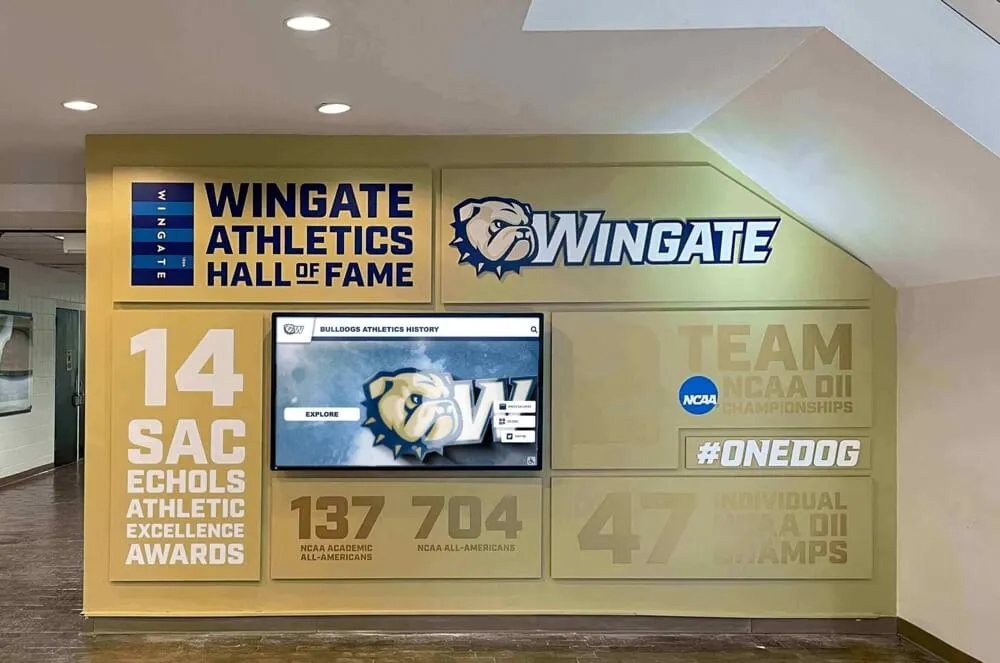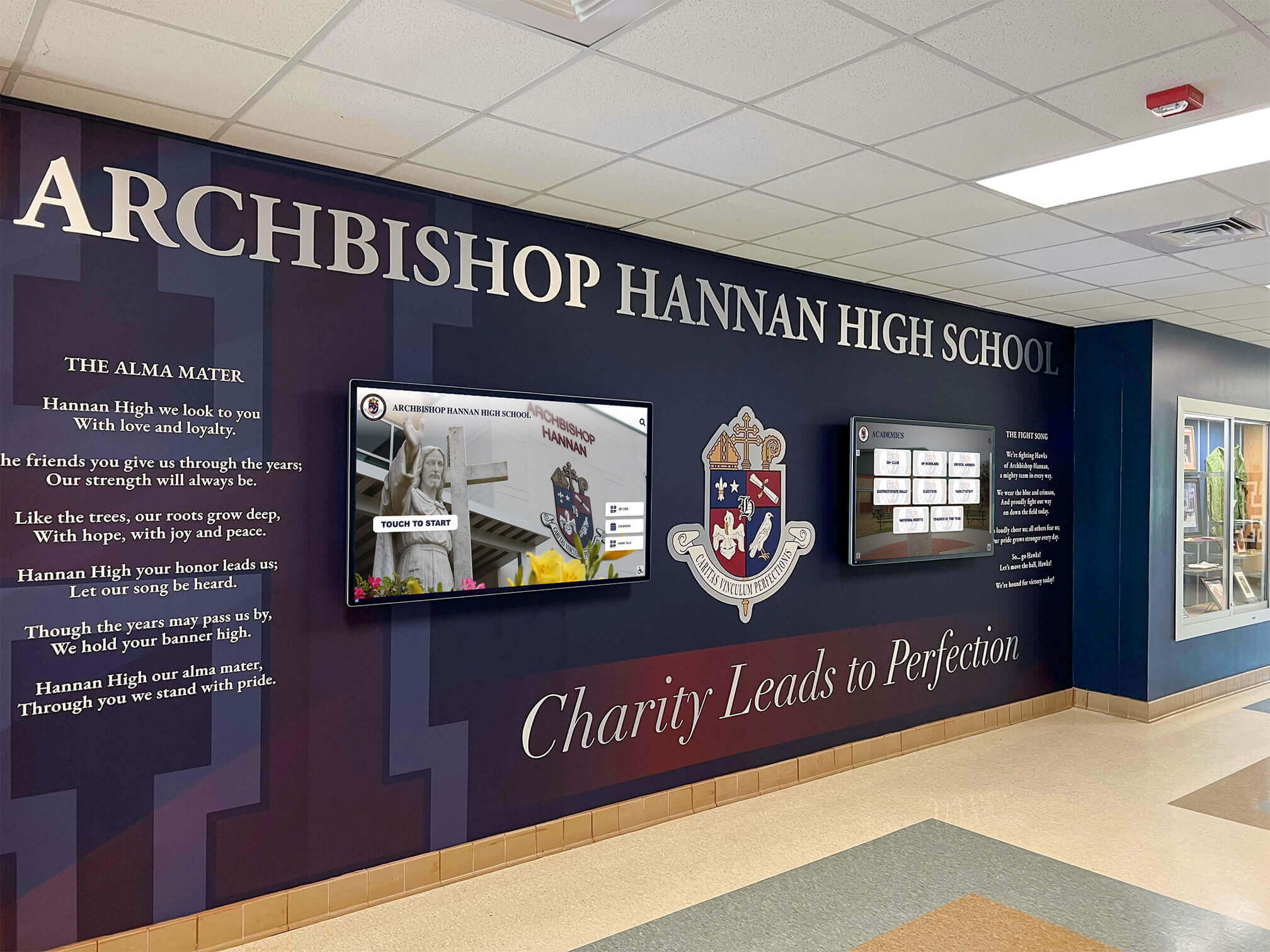




Digital signage for schools has evolved well beyond a scrolling news ticker on a lobby TV. Purpose-built school display platforms now manage entire networks of screens — from athletics halls of fame and student achievement walls to cafeteria menus, campus wayfinding kiosks, and emergency notification systems — all through a single cloud dashboard. For athletic directors, principals, and advancement staff dealing with outdated trophy cases and static bulletin boards, the technology now available makes a meaningful, lasting upgrade more accessible than most budgets assume.
This guide covers everything K-12 and university administrators need to know before selecting a digital signage platform: the use cases that deliver the most value, the software features that separate adequate from excellent, how device management affects daily operation, and why interactive touchscreen displays serve a fundamentally different purpose than standard signage screens.
Why Schools Are Adopting Digital Signage in 2026
Digital communication has become an operational expectation, not a luxury. According to the State of Digital Signage 2026 benchmark report published by Kitcast, 87% of educational institutions have integrated digital displays into their communications infrastructure. That adoption rate reflects a broad shift: static communication methods — printed flyers, physical bulletin boards, painted trophy walls — fail to hold attention in an environment where students, staff, and visitors are accustomed to real-time, on-demand information.
Schools that commit to digital displays report consistent outcomes. Digital content generates approximately five times more engagement than static signage, according to industry benchmark data. Emergency notification systems that route alerts through existing digital signage reach every campus zone simultaneously. Student achievement showcases on touchscreen displays extend recognition visibility year-round — not just during an annual awards ceremony.
The category is growing at above 10% annually in education. Schools that delay typically end up replacing two systems instead of one: the static displays they deferred, and the entry-level digital signage they installed without long-term planning.
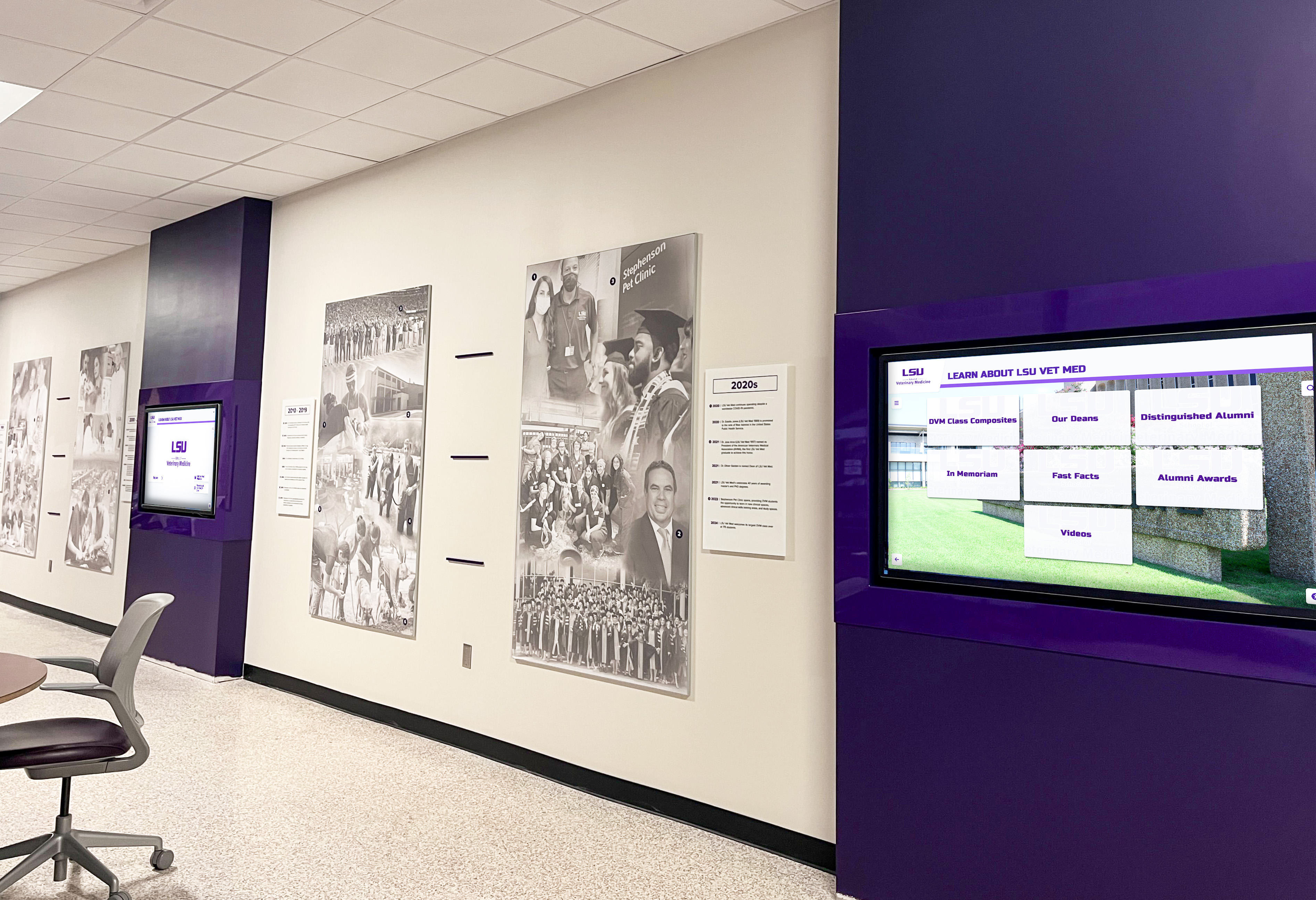
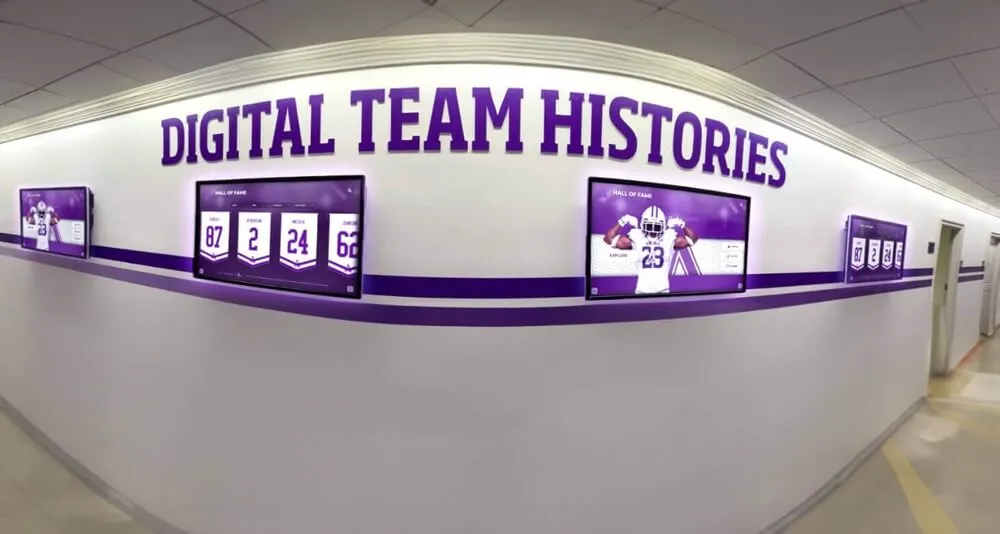
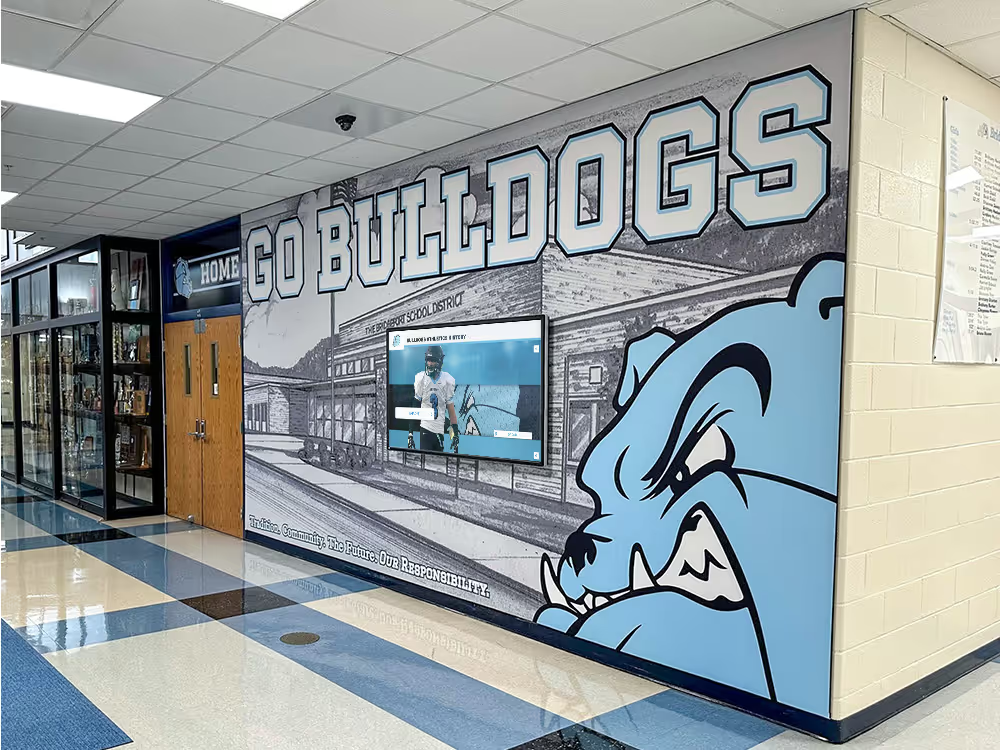
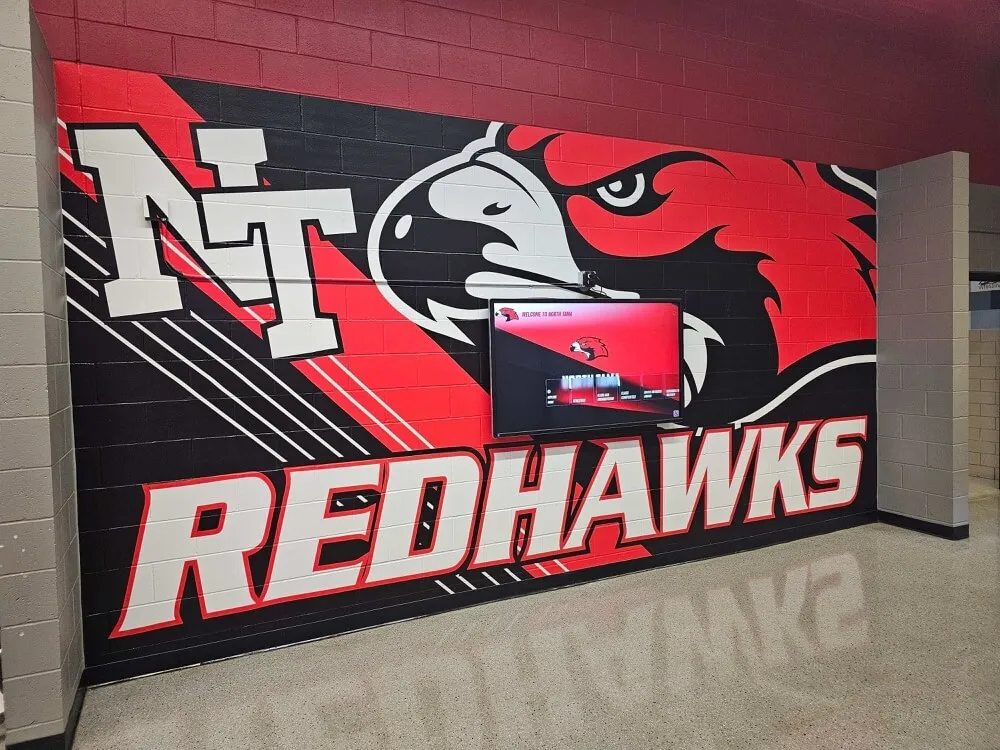
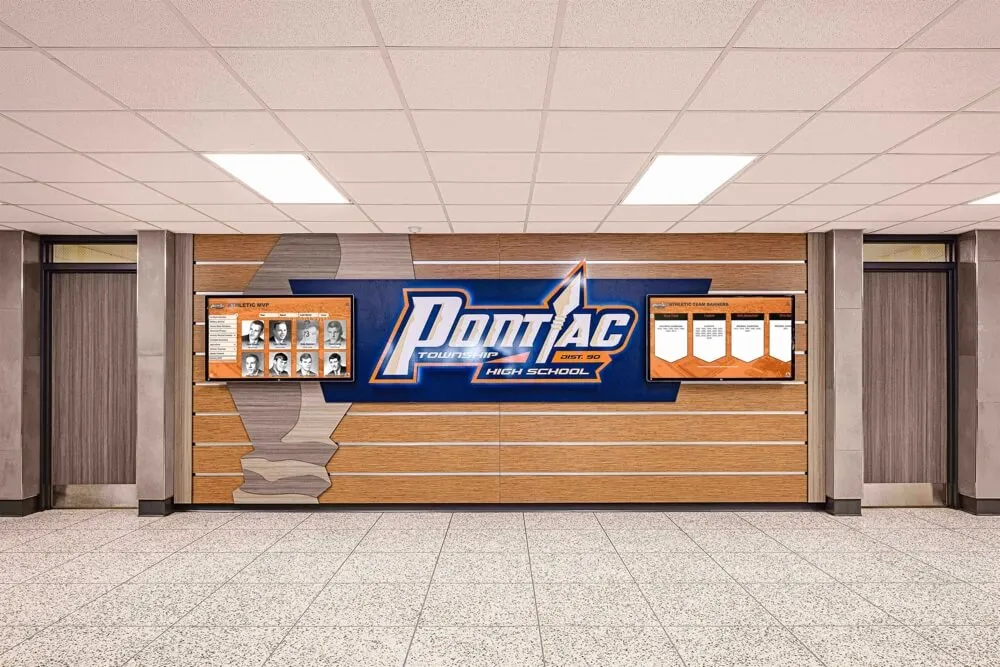
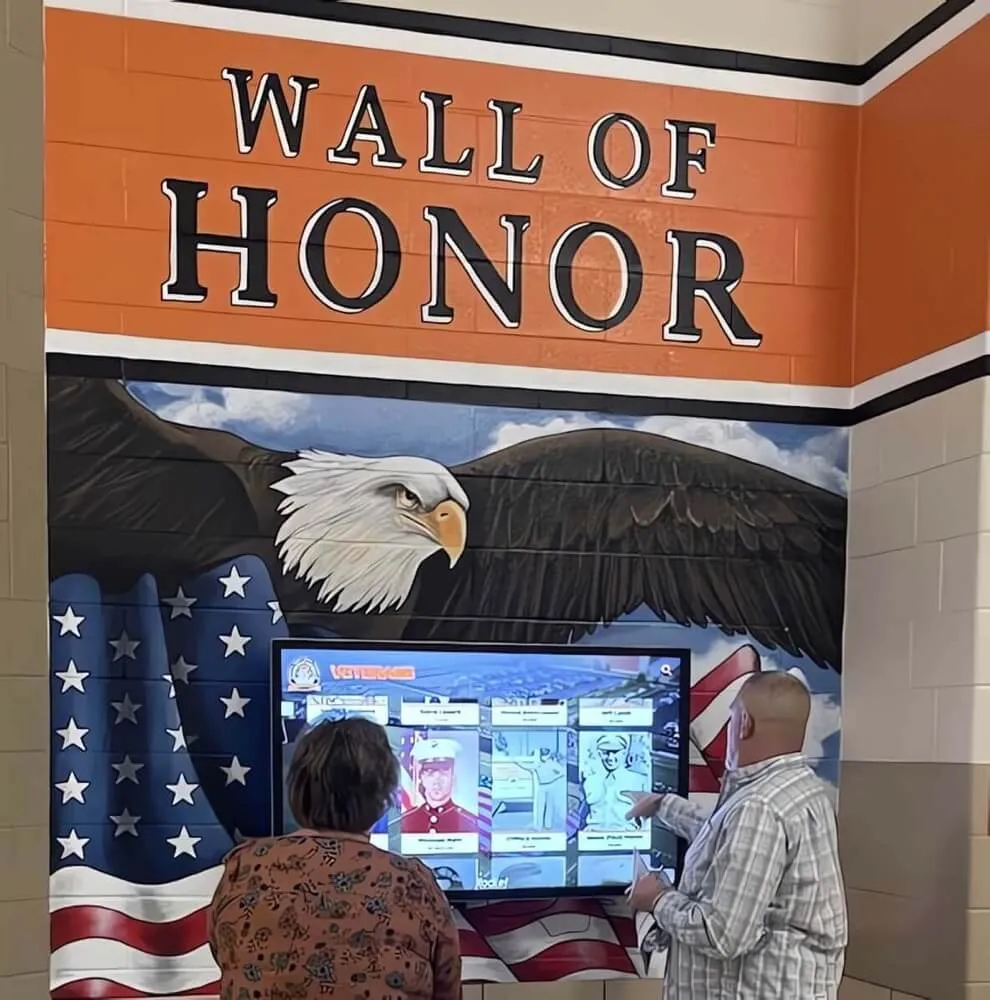
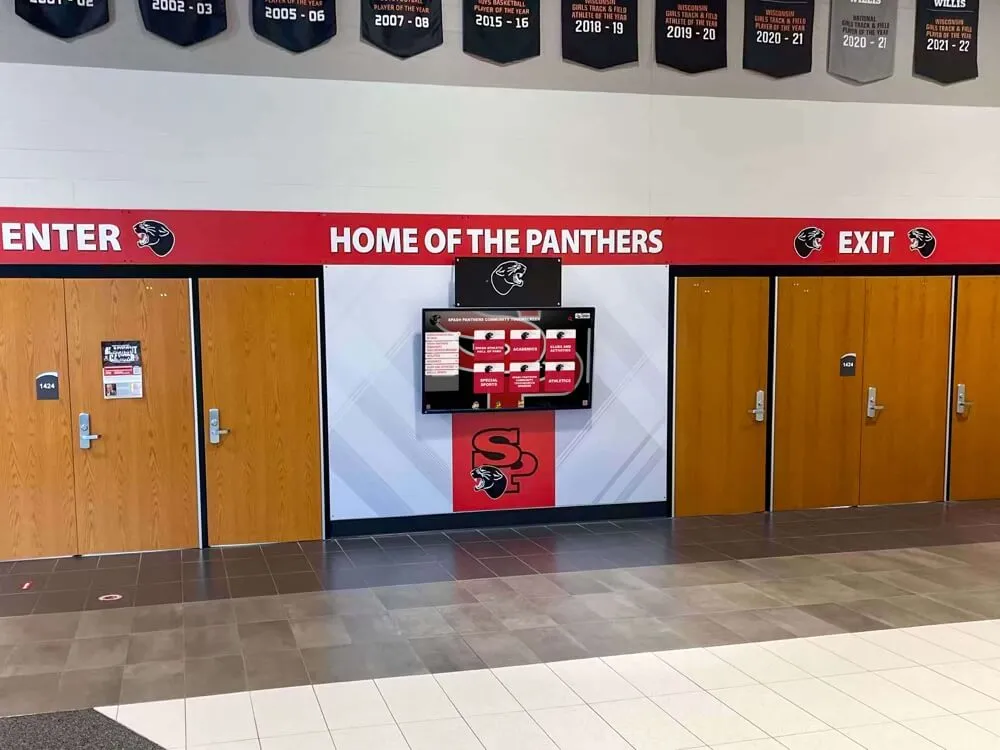
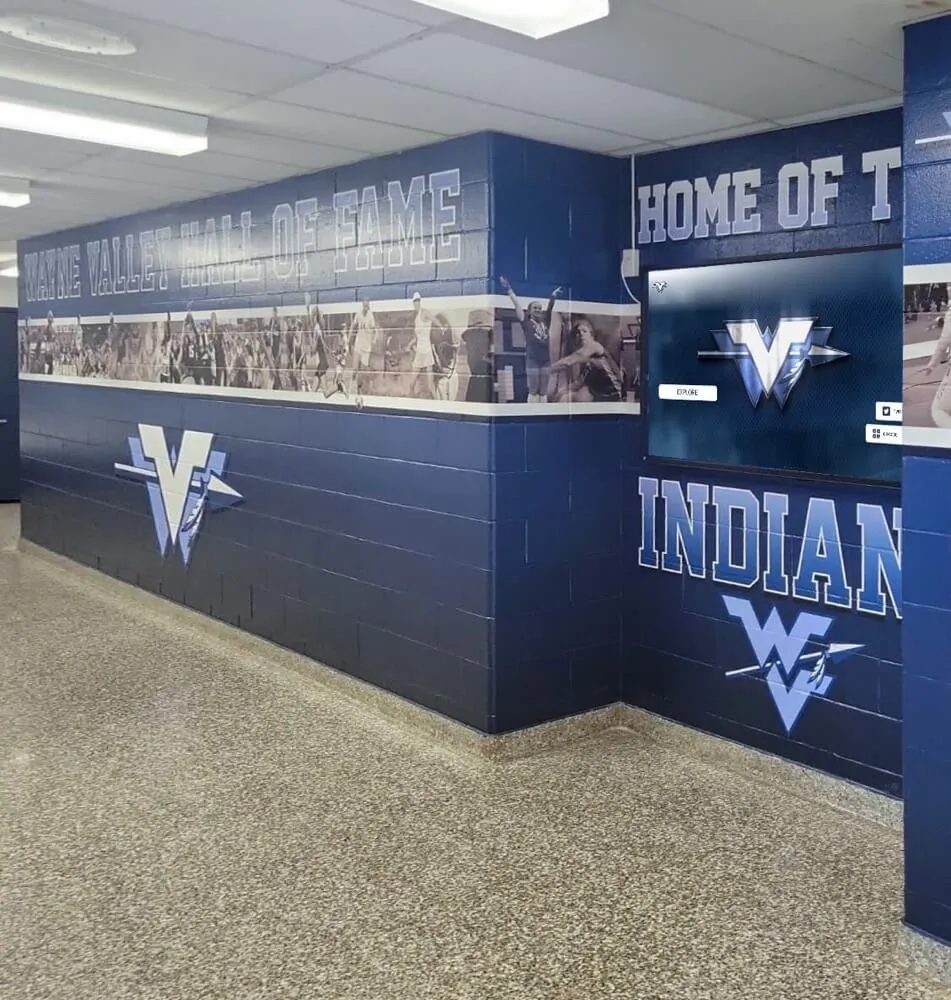
Multi-screen hallway installations allow schools to run different content in different zones while managing everything from one platform.
Top Use Cases for Digital Signage in K-12 and University Settings
Schools get the most return from digital signage when the technology matches a concrete communication or recognition need. The following use cases drive the majority of school display deployments.
Athletics Recognition Displays and Hall of Fame Walls
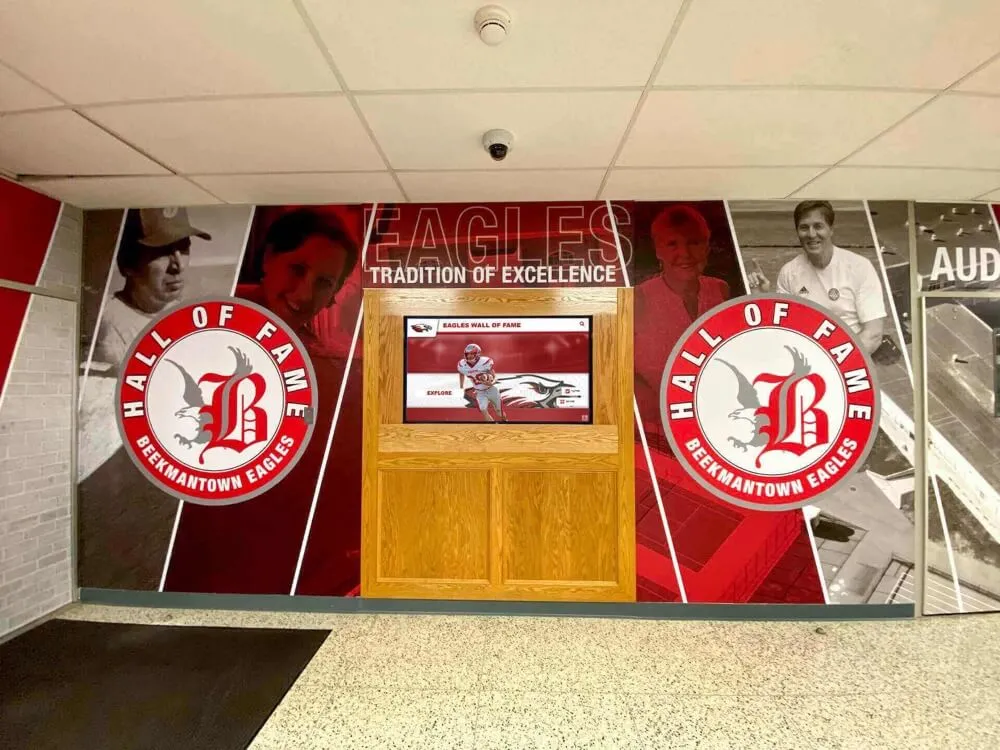
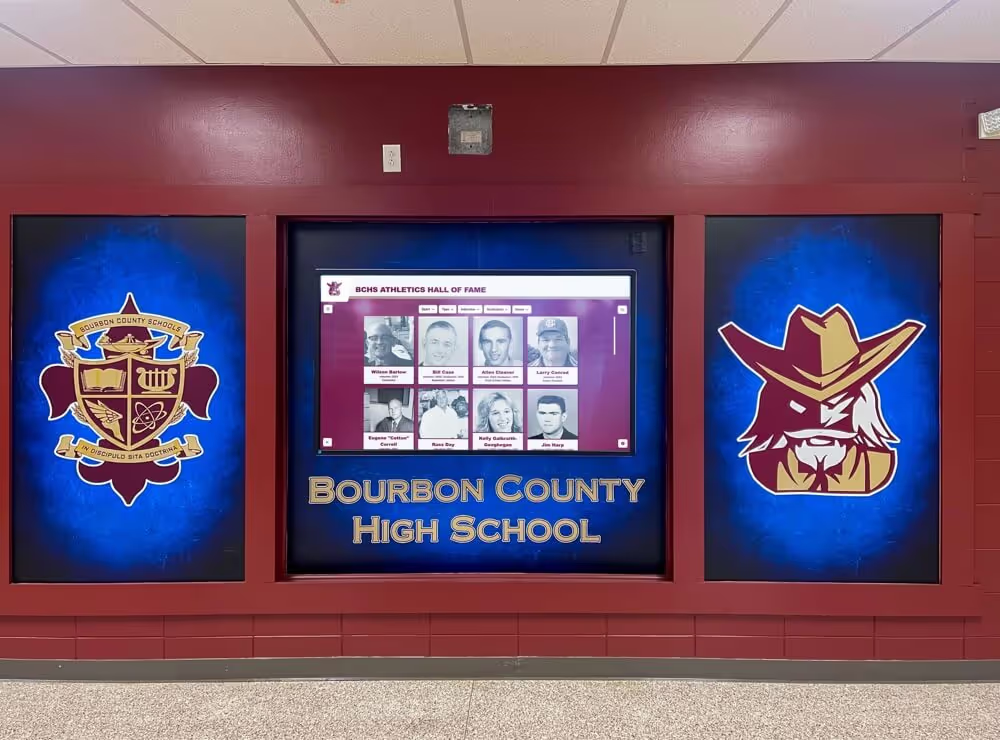
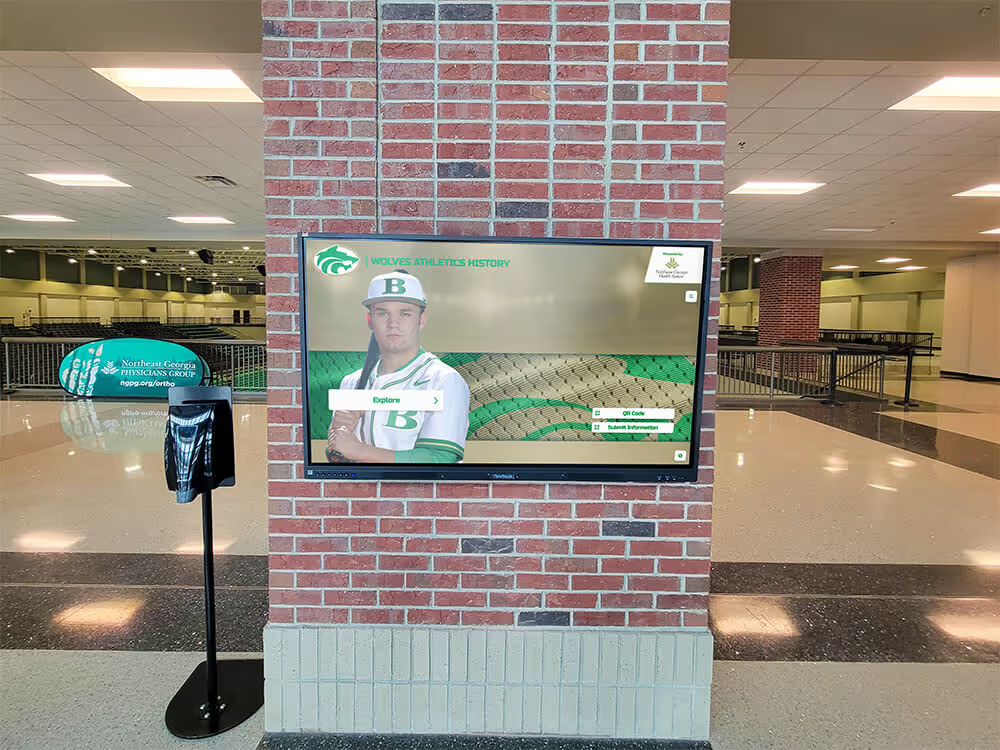
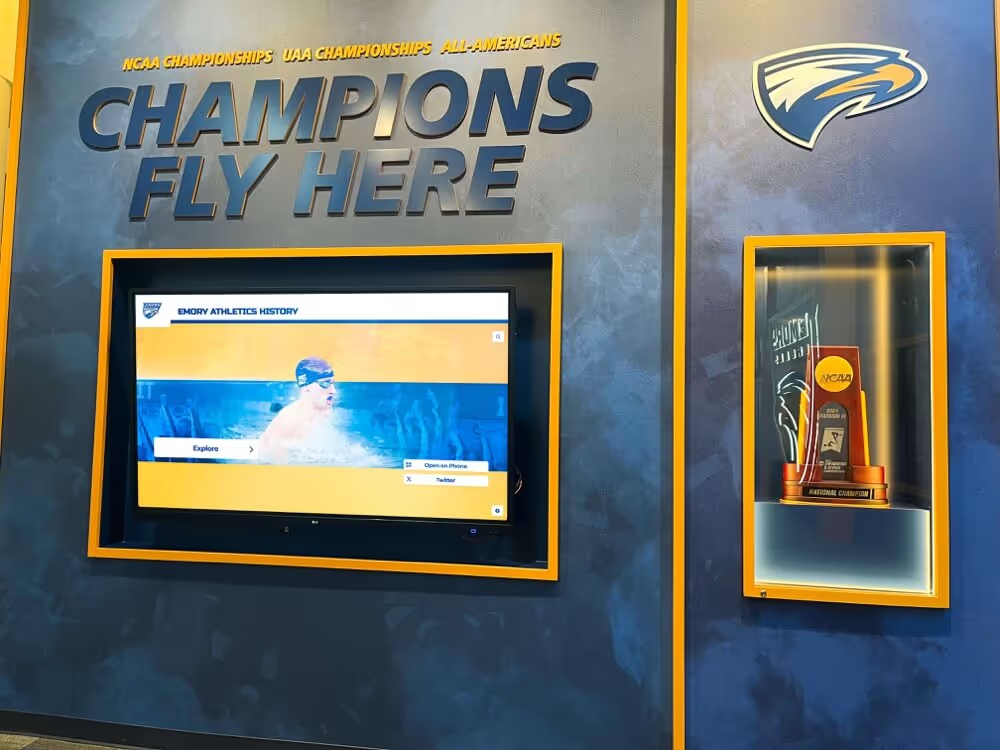
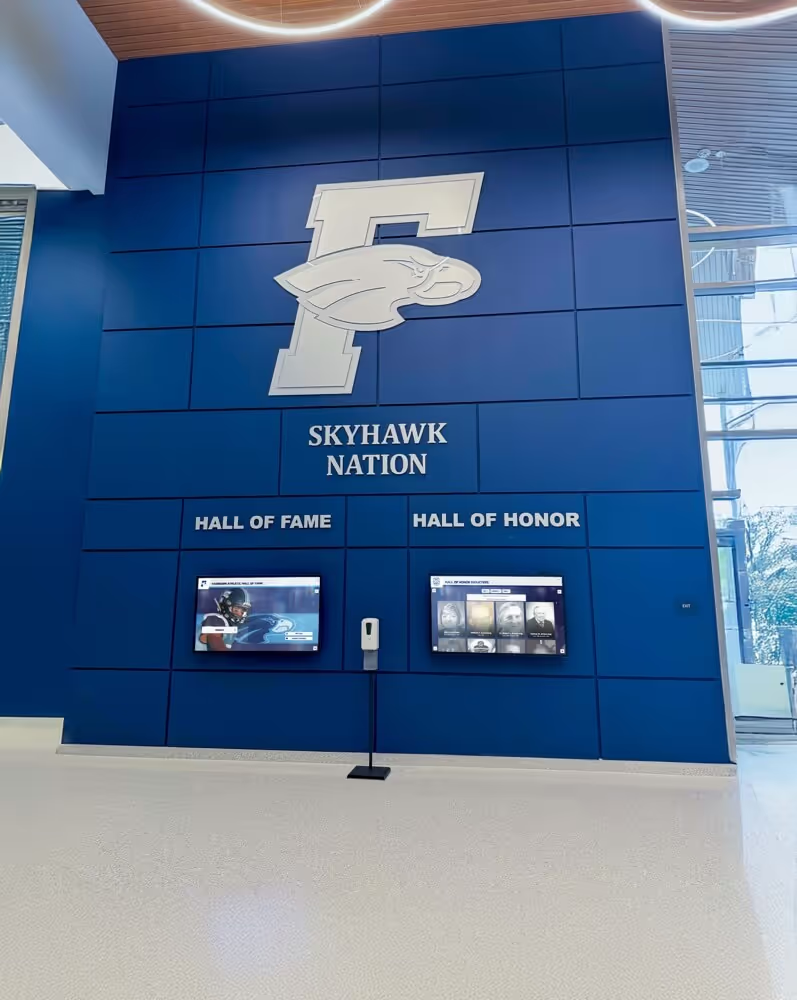
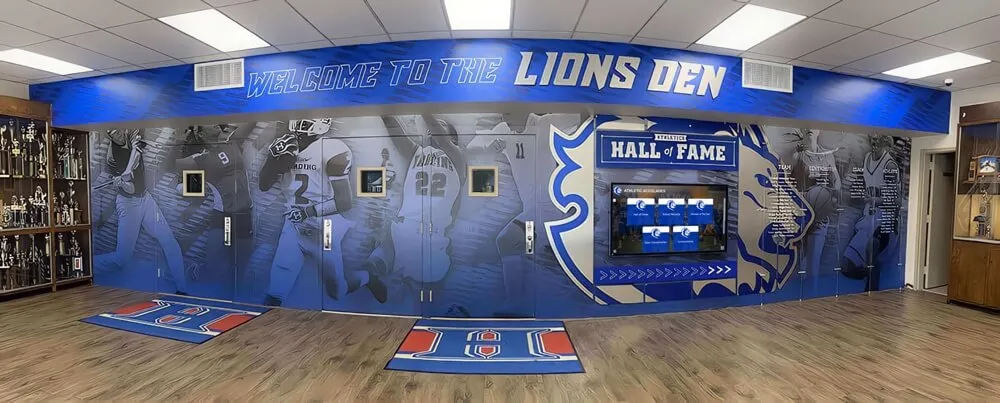
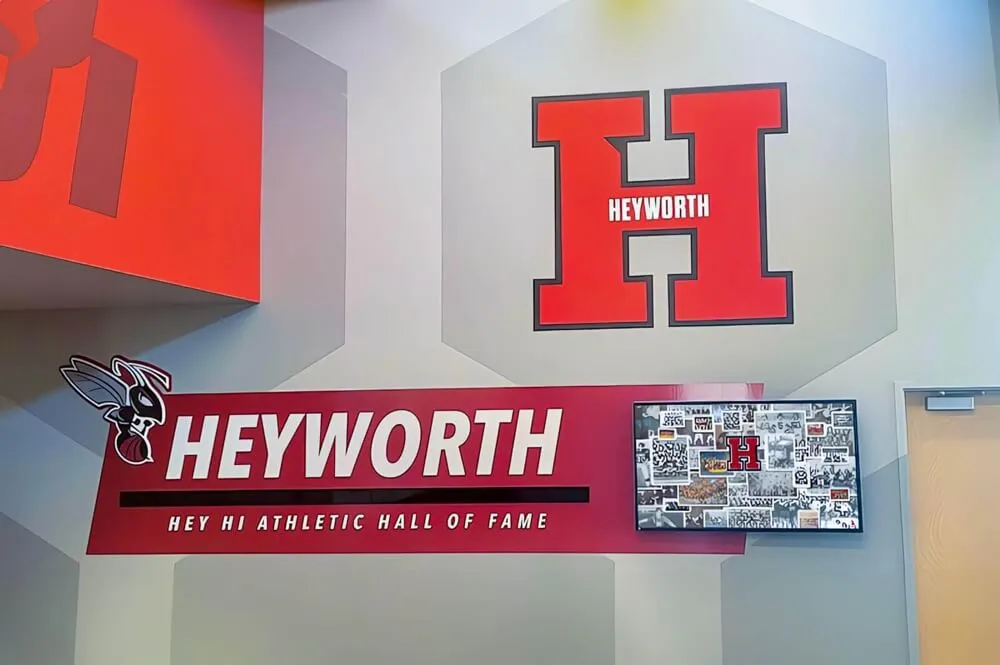
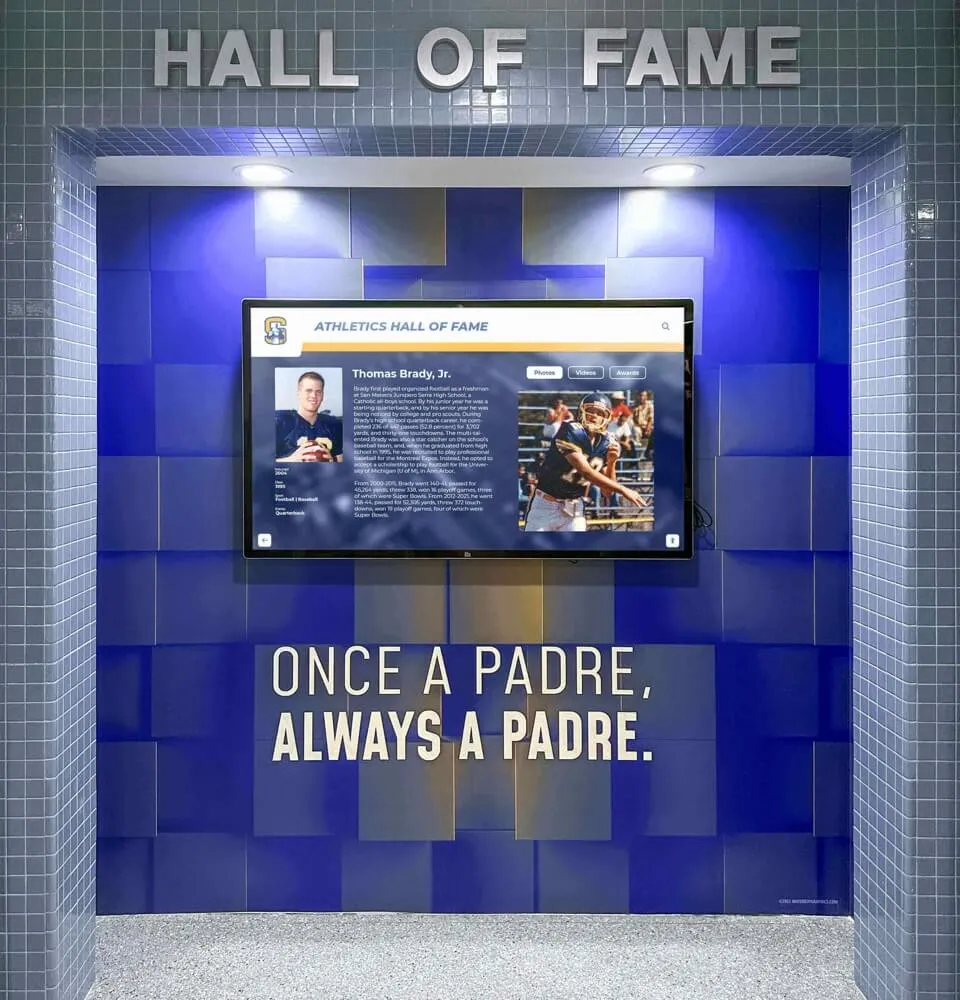
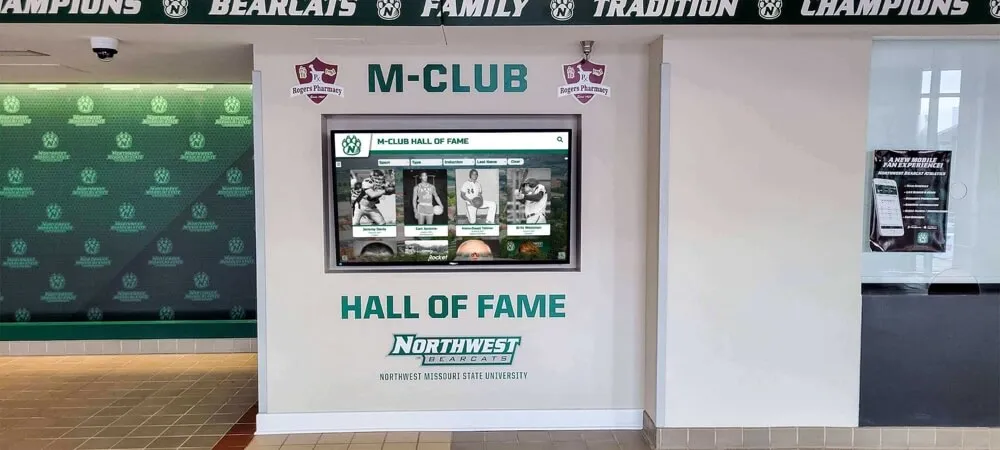
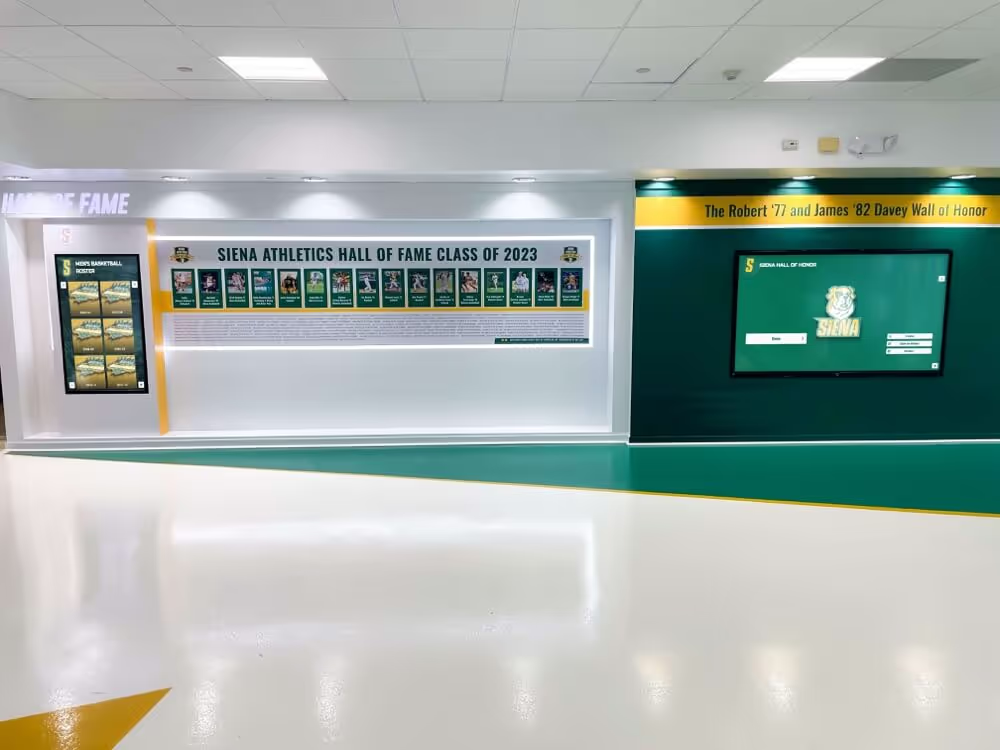
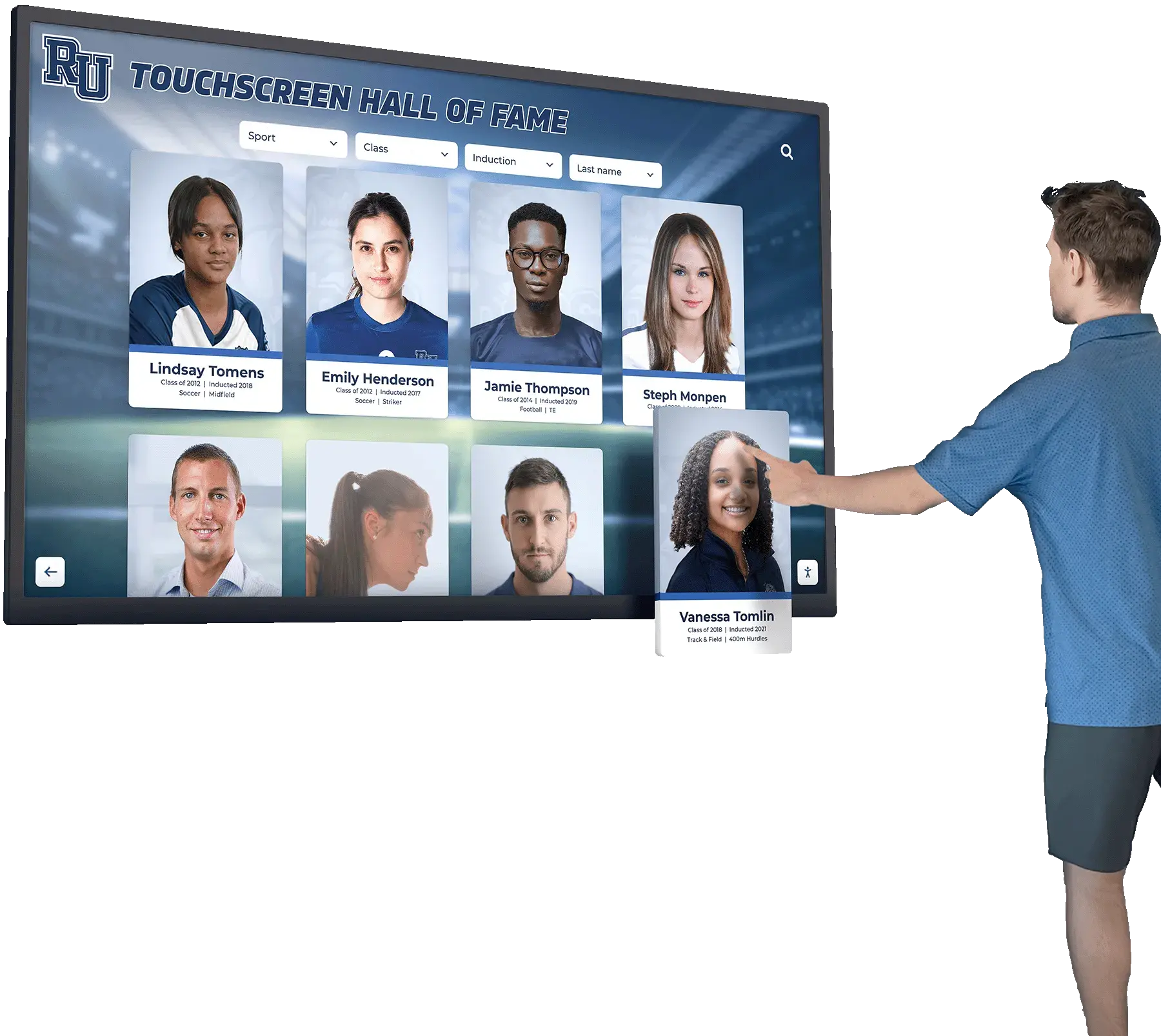
Athletic recognition displays are among the highest-visibility applications for school digital signage. A touchscreen hall of fame display does what a physical trophy case cannot: it holds an unlimited number of inductees, updates within minutes when a new record falls, and engages visitors through interactive profiles, photos, and career statistics.
For athletic directors, the operational difference is substantial. Adding a new inductee to a traditional display means ordering a plaque, waiting weeks, and coordinating installation. On a cloud-managed recognition platform, a new inductee profile goes live in minutes — from any device, without an on-site vendor or IT ticket.
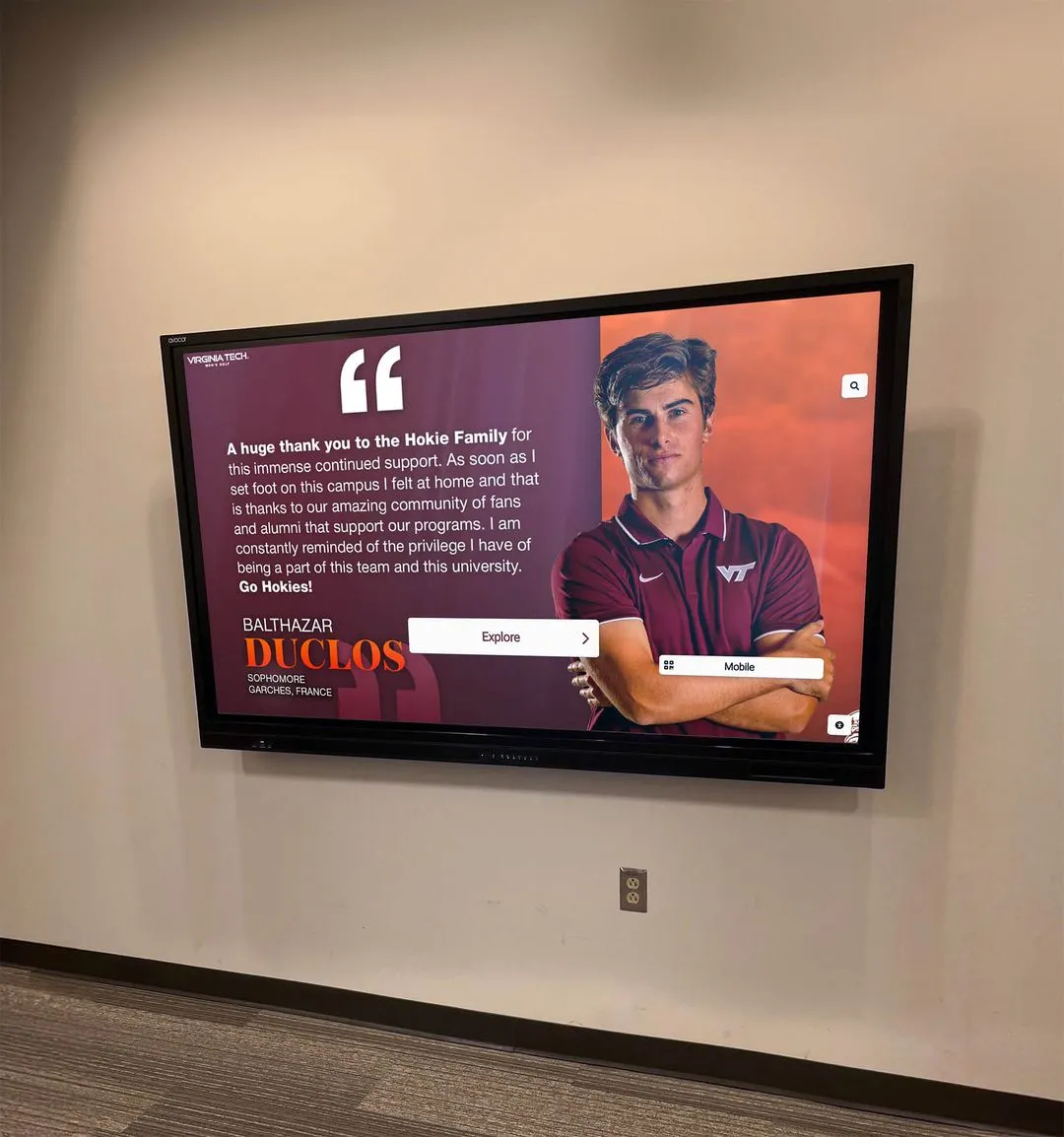
Interactive touch screen installations are also changing how schools tell their athletic history. Rather than a row of plaques that visitors walk past, a touchscreen recognition wall creates genuine dwell time. Students and families explore profiles, filter by sport and era, and share achievements via QR code links on their phones. For a broader look at how this is working in practice, see how interactive touch screen TVs support school recognition storytelling.
Schools currently making the transition from static displays should also read about the rise of digital wall of fame displays and why schools are switching to interactive screens.
Campus Wayfinding and Directory Systems
Wayfinding is the most frequently underestimated application for school digital signage. Visitors arriving for parent nights, athletic events, and campus tours navigate buildings that assume familiarity they do not have. Front office staff field the same directions repeatedly.
Interactive digital directories address this directly. A touchscreen kiosk in the main lobby allows visitors to search for classrooms, offices, and athletic facilities, view floor maps, and get directions to their destination. For universities with multiple buildings and regularly shifting class assignments, wayfinding kiosks reduce front-office load and improve the first impression every visitor takes away.
For a detailed look at how schools structure directory content and what hardware configurations work for high-traffic entry points, see the campus directory systems complete guide.
Student Achievement and Academic Recognition Showcases
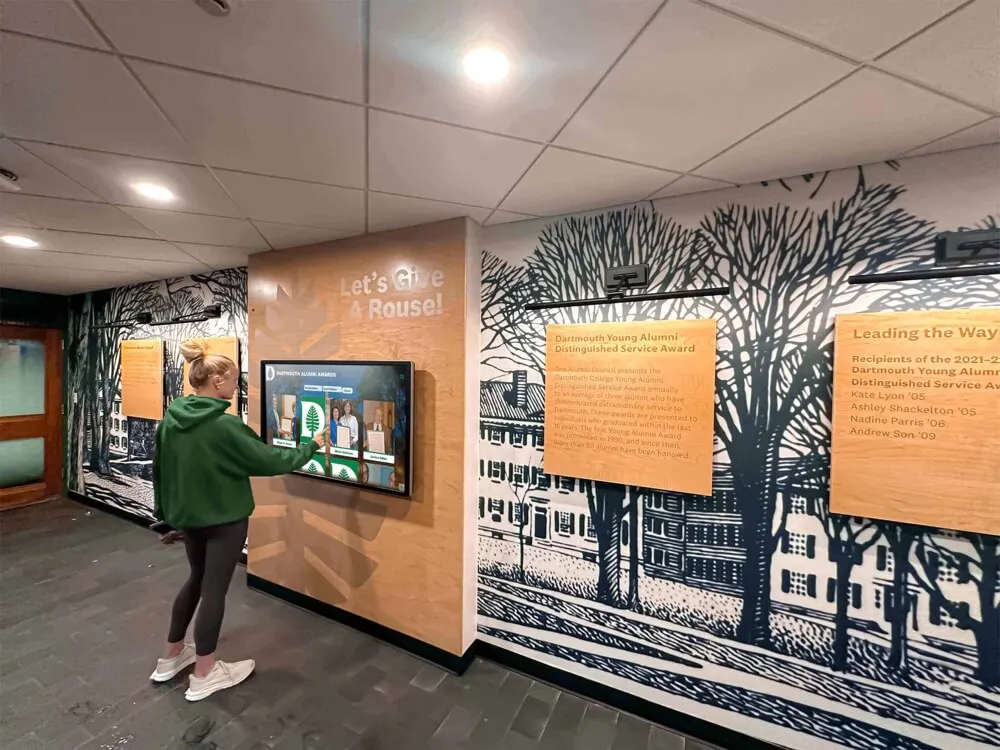
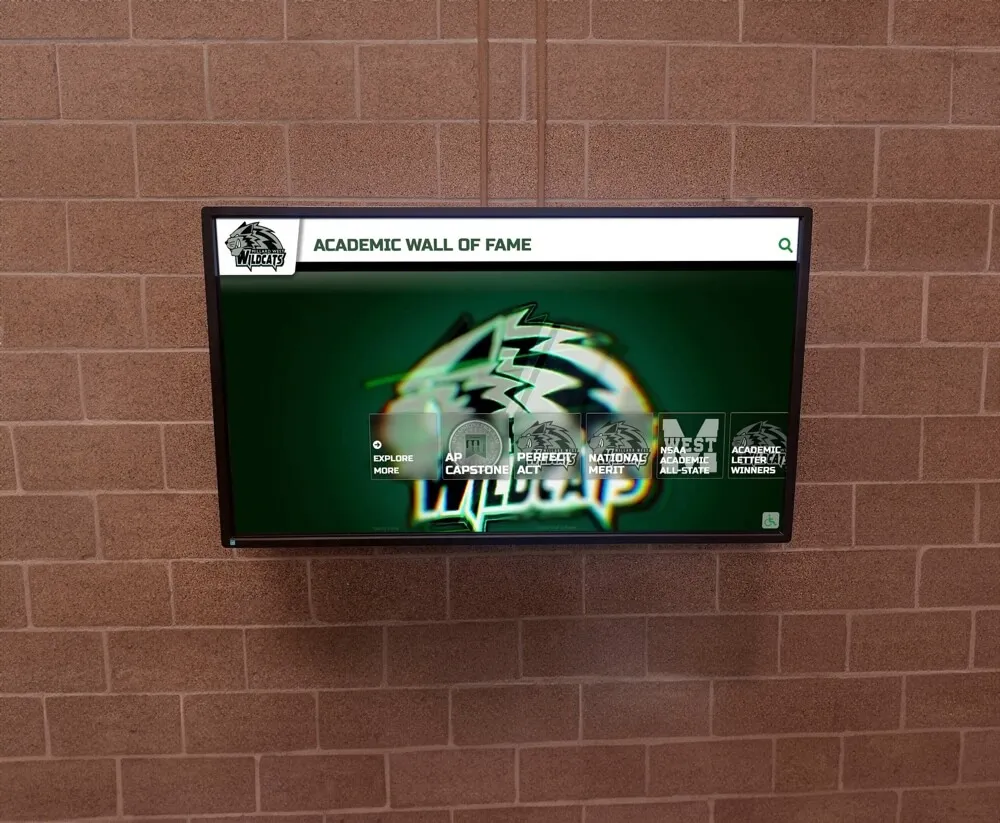
Schools frequently invest in athletics recognition while leaving academic achievement less visible. Digital signage corrects this imbalance. An achievement display in the main corridor can cycle through honor roll students, National Merit Scholars, AP exam achievements, and CTE certification completions — updated automatically when the content management system is refreshed.
Recognition in a high-traffic area creates what static systems cannot: a continuous visible signal that academic achievement matters to the institution. For more on designing comprehensive programs that pair well with digital displays, see the academic recognition programs guide.
Donor Recognition Walls
Development offices use digital signage to maintain and strengthen donor relationships. A digital donor wall presents named giving levels, lifetime giving totals, and recognition tiers in a format that updates immediately when a new gift is recorded — without re-engraving, reordering, or reinstallation.
Digital donor recognition platforms also allow schools to place impact stories alongside donor names, which traditional engraved plaques cannot accommodate. According to research covered in digital signage display approaches for schools at donorswall.com, digital donor displays placed in high-visibility locations like building lobbies and athletic facilities improve major gift conversations by giving donors a tangible representation of institutional gratitude.
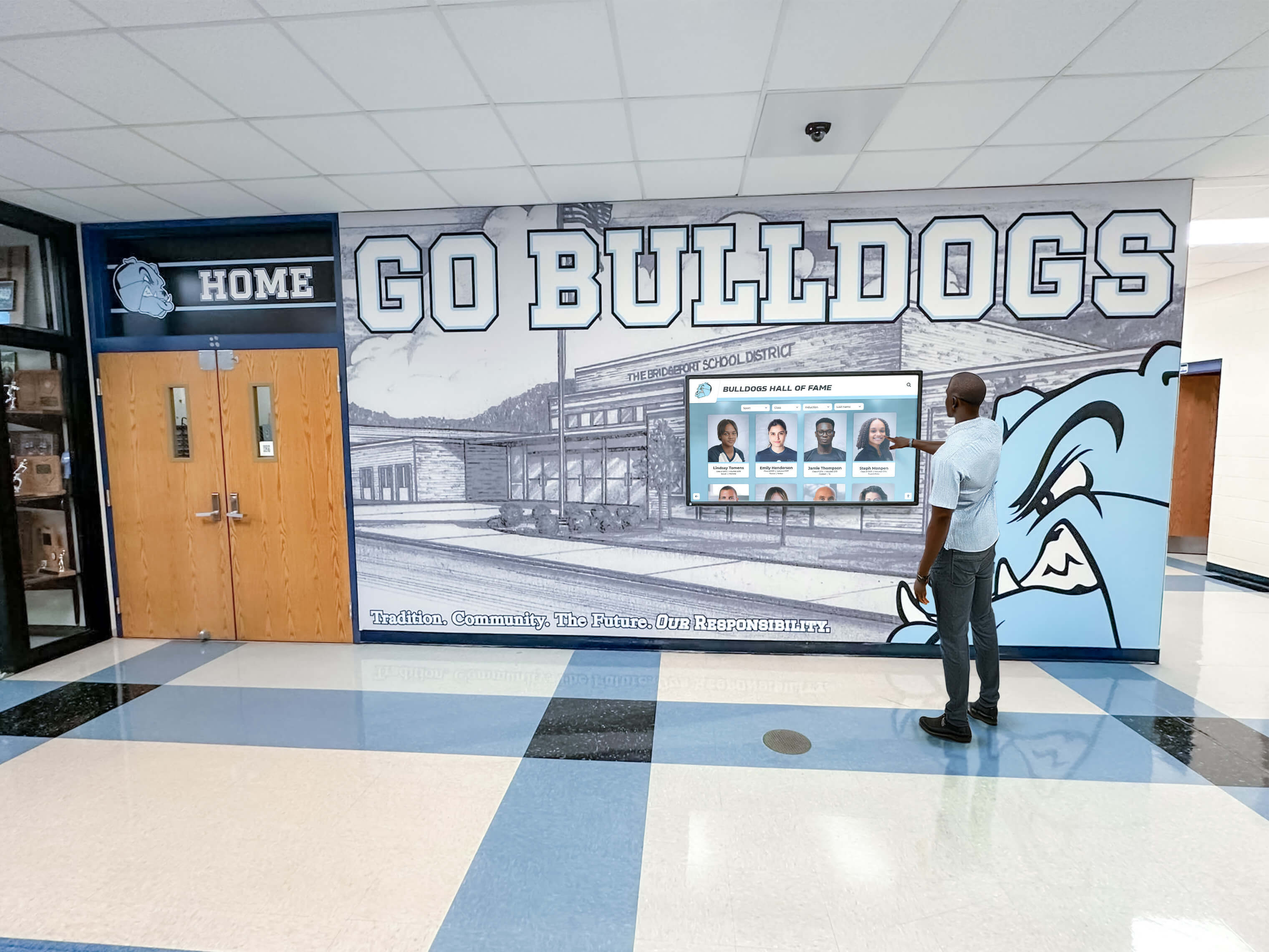
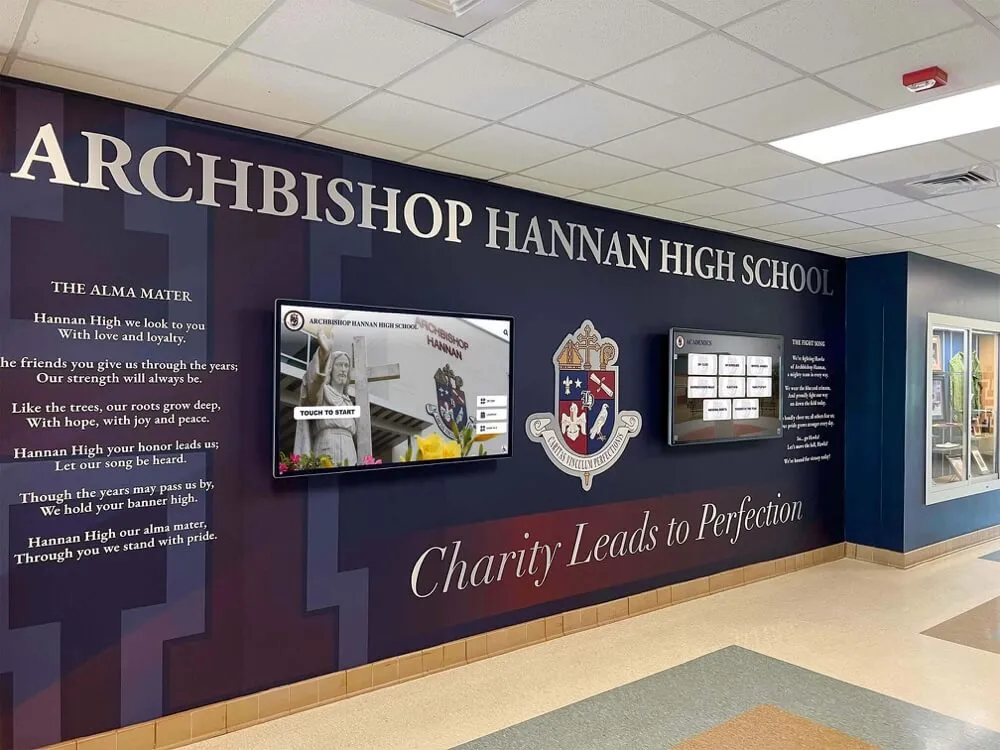
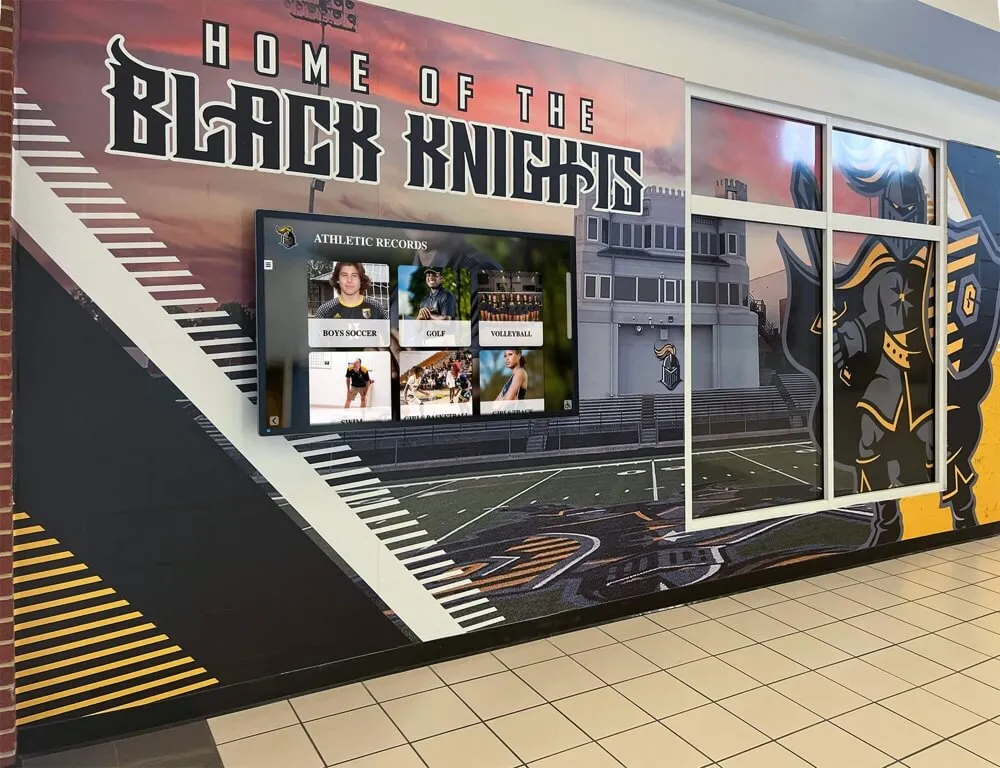
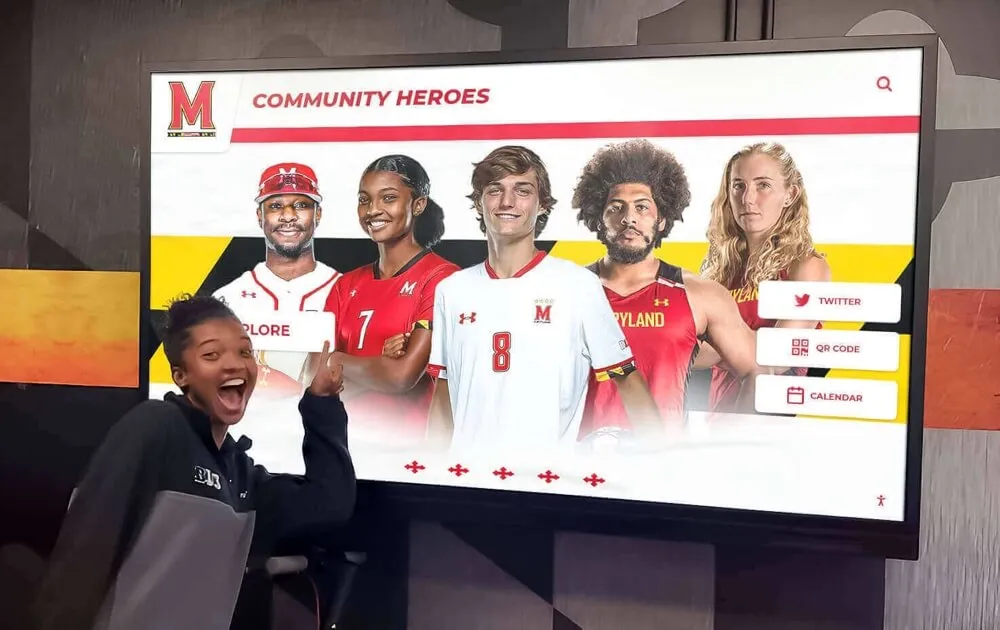
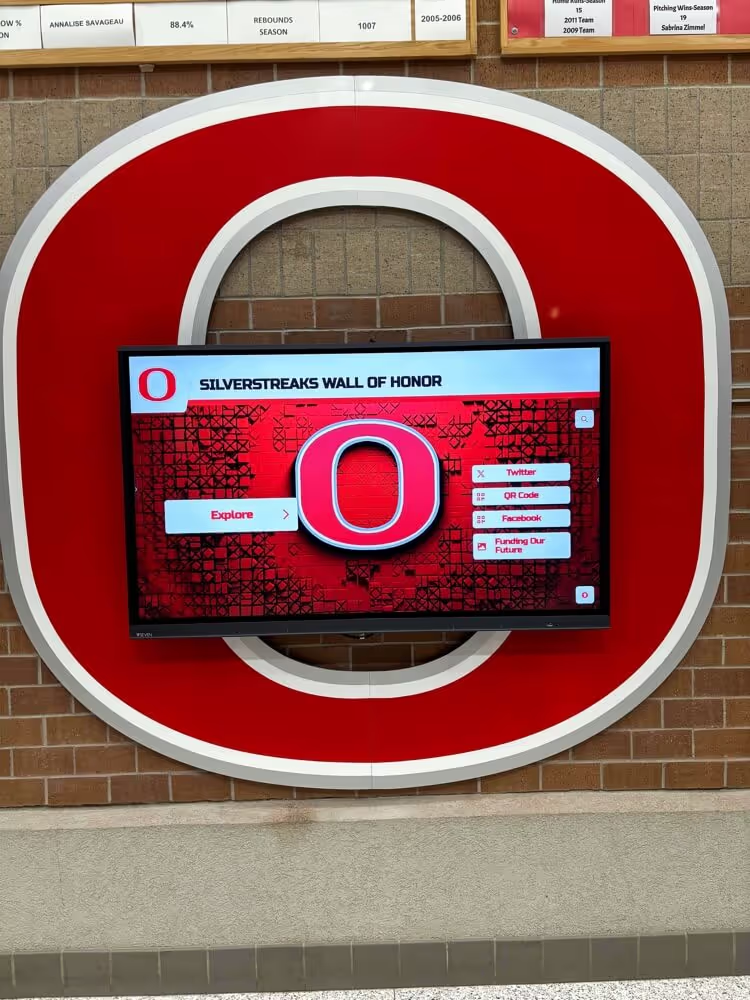
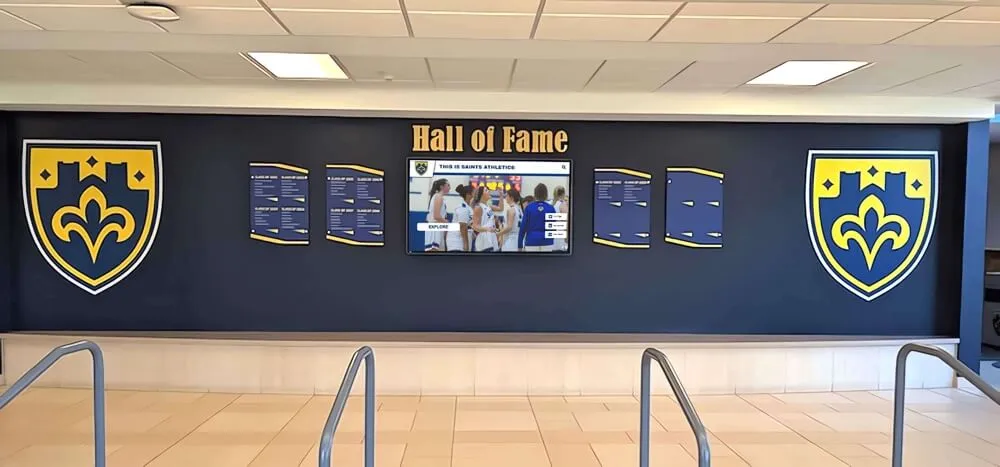
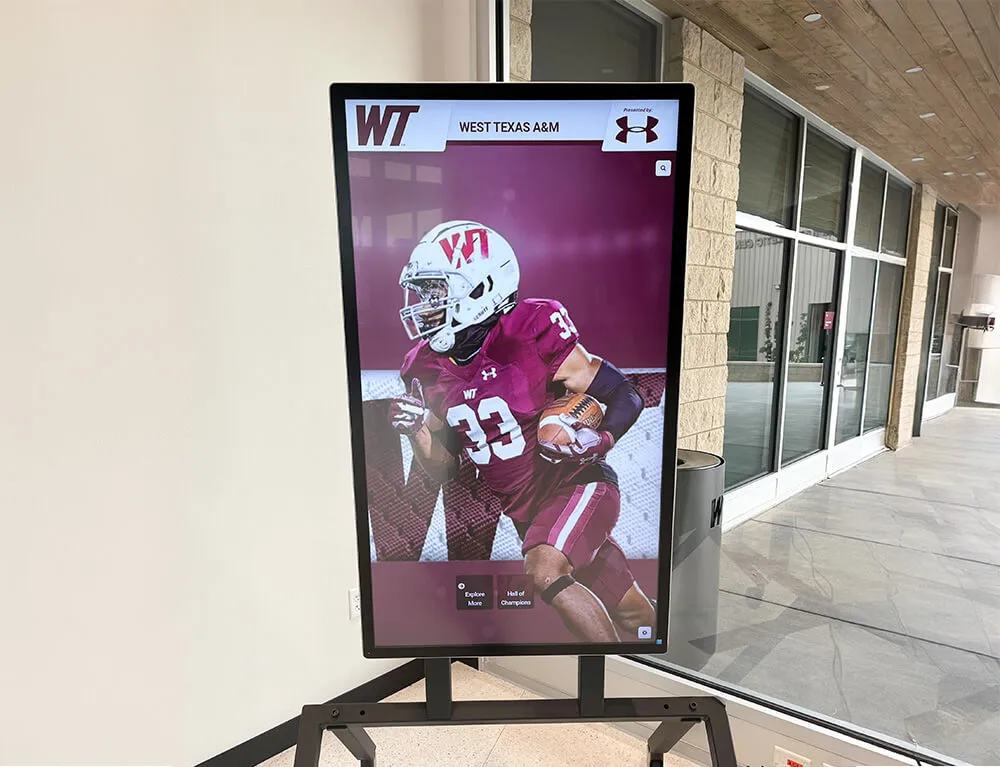
Recognition displays with interactive capability attract and hold visitor attention in a way static plaques and trophy cases cannot match.
Event Announcements and Campus Communication Boards
Standard digital signage replaces paper bulletin boards with rotating event schedules, lunch menus, club announcements, and community news. When content management is cloud-based, administrators update displays from any device — including a phone — without visiting the building.
For K-12 schools, this matters most during busy periods. Back-to-school season, athletic season, and end-of-year events generate a constant stream of announcements. Digital boards with scheduled publishing allow staff to queue content in advance, reducing last-minute scrambles and ensuring displays are always current.
Emergency Notification Integration
Emergency alerts represent the highest-stakes digital signage use case. Integrated platforms can receive emergency alerts and broadcast them across all campus displays simultaneously — overriding whatever content is currently showing.
Schools selecting a digital signage platform should confirm that emergency notification integration is supported, that alerts propagate without manual intervention, and that the system can target specific zones for localized messaging. This capability alone justifies the infrastructure investment for many districts.
What to Look for in School Digital Signage Software
Platform selection determines whether a digital signage investment pays off over time or becomes a maintenance burden. The table below covers the features that separate purpose-built school platforms from generic commercial signage software:
| Feature | Why It Matters for Schools |
|---|---|
| ADA WCAG 2.1 AA compliance | Required for public-facing school displays; covers touch height, contrast ratios, and screen reader compatibility |
| Cloud-based content management | Allows updates from any device without on-site IT involvement or scheduled service visits |
| MDM device management | Remote enrollment, health monitoring, and software updates across all campus displays from a single dashboard |
| Unlimited content entries | No per-inductee or per-item storage fees as recognition archives grow across decades |
| Scheduled publishing | Queue content in advance with automatic publish and unpublish — critical for induction events and seasonal programming |
| Auto-ranking record boards | Athletic records update automatically when a new mark is entered — no manual re-sorting required |
| QR code mobile unlock | Visitors scan to view full profiles and extended content on personal devices, extending reach beyond the physical screen |
| Digital signage rotation mode | Displays cycle through curated content when no one is actively using the touchscreen |
| Sponsorship and advertising suite | Local sponsors receive recognition tiers on the display, creating a revenue source that offsets platform costs |
| Social media integration | Live feeds from school accounts appear on-screen, keeping content fresh without manual entry |
| Multi-screen support | One platform manages every display across campus — from a single lobby kiosk to an athletics wing with ten screens |
For a detailed evaluation framework for comparing school signage platforms, see the interactive kiosk solutions guide for schools and organizations.
Device Management (MDM) for School Displays
MDM — Mobile Device Management — is the software layer that allows IT administrators to remotely enroll, monitor, configure, and update devices at scale. In the context of school digital signage, MDM solves the operational problem that on-site access to every display is not practical.
Without MDM, updating a display’s software requires either a technician visit or a remote desktop session for each individual device. For a school with a single lobby screen, this is workable. For a university with 20 to 30 screens across multiple buildings, it is not — and the gap between those two scenarios is where most district IT teams run into trouble.
School digital signage platforms with built-in MDM handle these tasks automatically:
- Remote enrollment: New displays join the network without manual device-level configuration
- Silent software updates: Player software updates deploy in the background without interrupting content playback
- Device health monitoring: The management dashboard shows uptime, connection status, and content delivery confirmation for every screen
- Content delivery confirmation: Administrators verify that scheduled content reached each display — essential for emergency notification audit trails
- Scheduled reboots: Displays restart automatically during off-hours to clear memory and apply queued updates
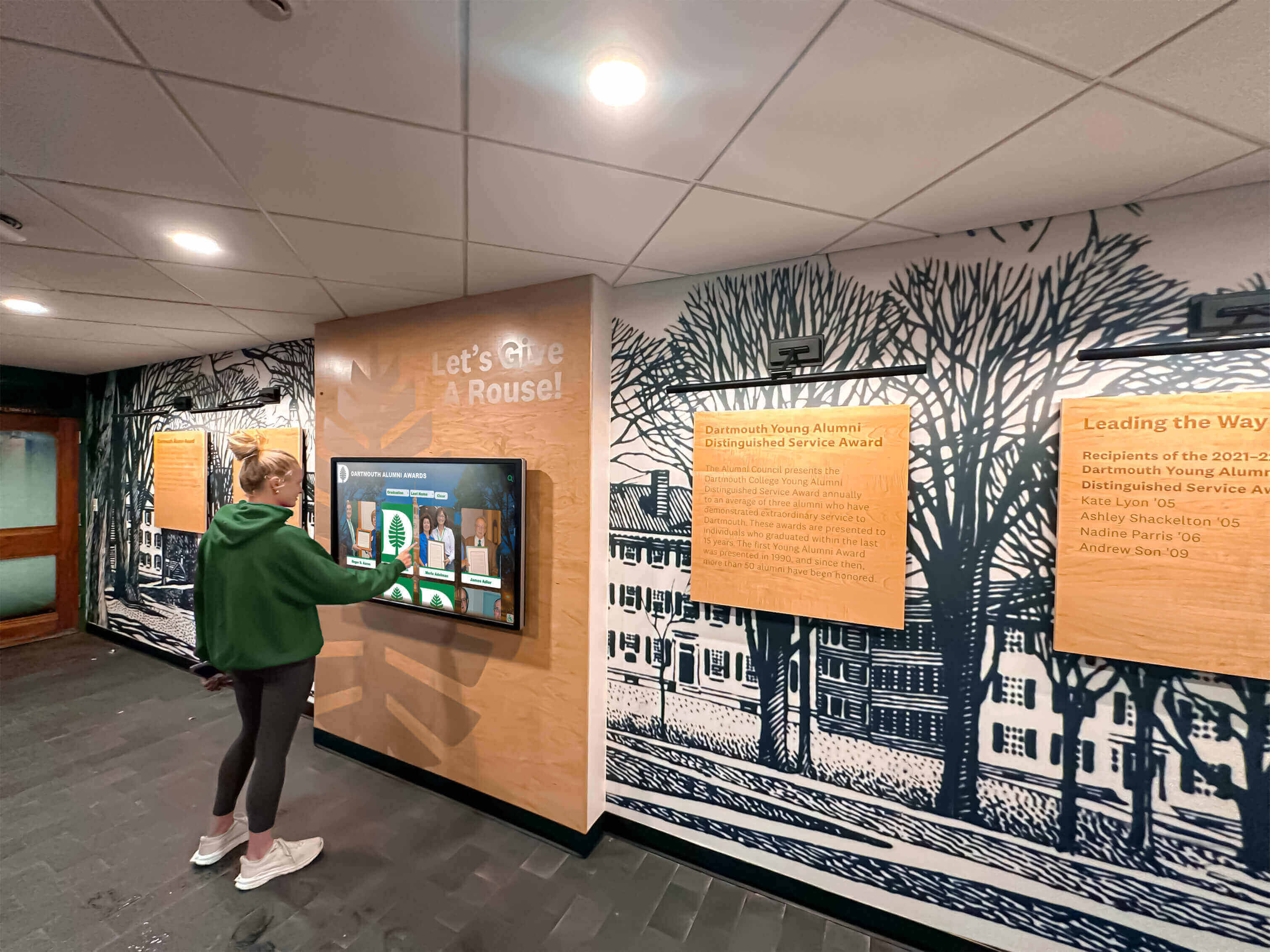
Purpose-built school recognition platforms include MDM device management that keeps every display current without requiring on-site IT visits.
When evaluating vendors, ask specifically whether MDM is included in the base platform cost or priced as an add-on module. Some vendors bundle MDM; others charge per device per month. For an independent look at what leading platforms include, see the best digital signage software guide for 2026.
See a Purpose-Built School Display Platform in Action
Explore a cloud-managed recognition and digital signage platform that includes MDM device management, unlimited screens, and unlimited recognition entries — all at a price point designed for school budgets. Request a free demo to see the full feature set.
Request a Free DemoInteractive Touchscreen vs. Standard Digital Signage
Not every school display needs to be interactive. Understanding the distinction prevents over-investment in touchscreen hardware where it does not add value, and under-investment where interactivity defines the use case.
Standard digital signage works well for:
- Cafeteria menu boards
- Hallway event schedule boards
- Emergency notification displays
- Ambient content in waiting areas and common spaces
- Social media feed tickers and sports score displays
Interactive touchscreen displays are appropriate for:
- Athletics halls of fame and historical archives
- Academic achievement recognition walls
- Campus wayfinding and directory kiosks
- Donor recognition walls with searchable giving history
- Student mentorship and alumni discovery boards
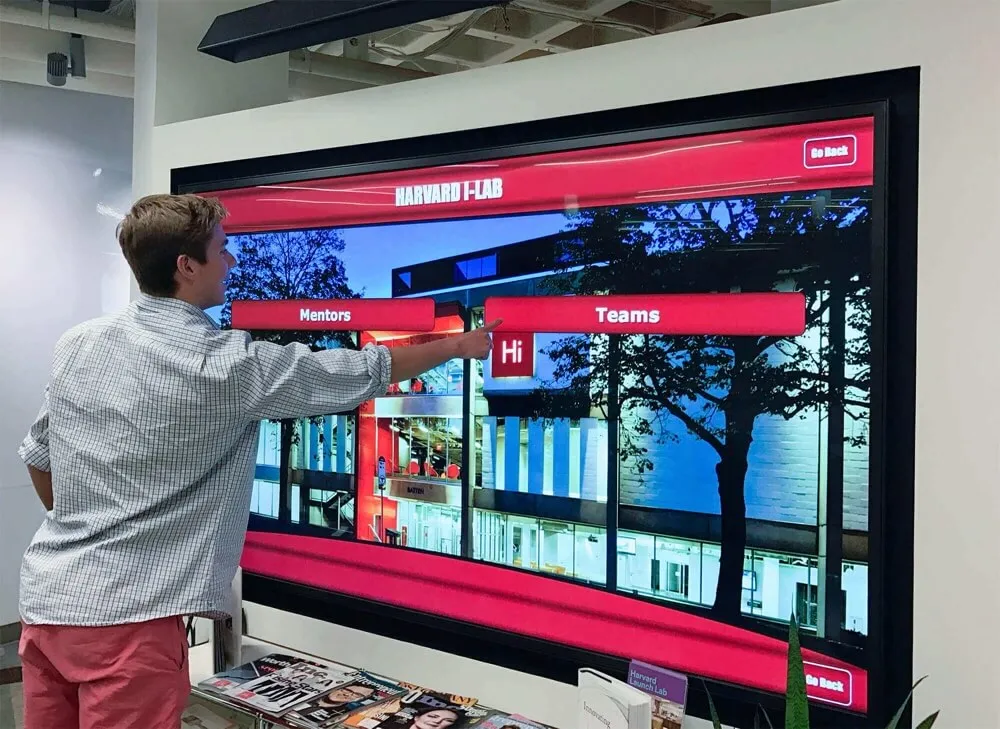
The operational difference: a standard signage screen pushes content to viewers. A touchscreen invites the viewer to pull the content they want. For recognition use cases — where the value is the depth of information available about specific individuals — interactivity is not optional. It is what makes the display worth stopping at.
Content Management: Keeping School Displays Current
The most common failure mode for school digital signage is outdated content. Displays showing last semester’s honor roll or an athletic record from three years ago undermine the credibility of the entire investment.
Cloud-based content management solves this by separating content updates from hardware access. When a staff member can update the display from a laptop or phone — without logging into the device itself — the update actually happens. When updating requires a technician, it often does not.
Effective school display platforms include these content management capabilities:
- Role-based access control: Athletic directors update recognition content; department chairs update academic content; IT manages hardware settings — without anyone accessing permissions they should not have
- Bulk import tools: Historical inductee data, honor roll lists, and archived records load from spreadsheets rather than requiring manual entry per record
- Content expiration: Event announcements automatically retire after the event date — no manual cleanup required
- Audit trail: Every content change is logged with a timestamp and user account
For a practical look at how schools manage content across multiple displays, see touchscreen content management for schools — keeping recognition displays updated.
Platform Value: What “Unlimited” Means in Practice
Many digital signage platforms charge on a per-screen or per-inductee basis. At low volumes, this pricing looks reasonable. At scale — a multi-building campus with decades of athletic records and hundreds of student achievement entries — per-item costs accumulate quickly.
Purpose-built recognition platforms designed for schools take a different approach. Solutions like Rocket Alumni Solutions offer unlimited inductees, unlimited photos and videos, and unlimited screens under a single annual subscription, as detailed in the guide to unlimited screens and no hidden costs.
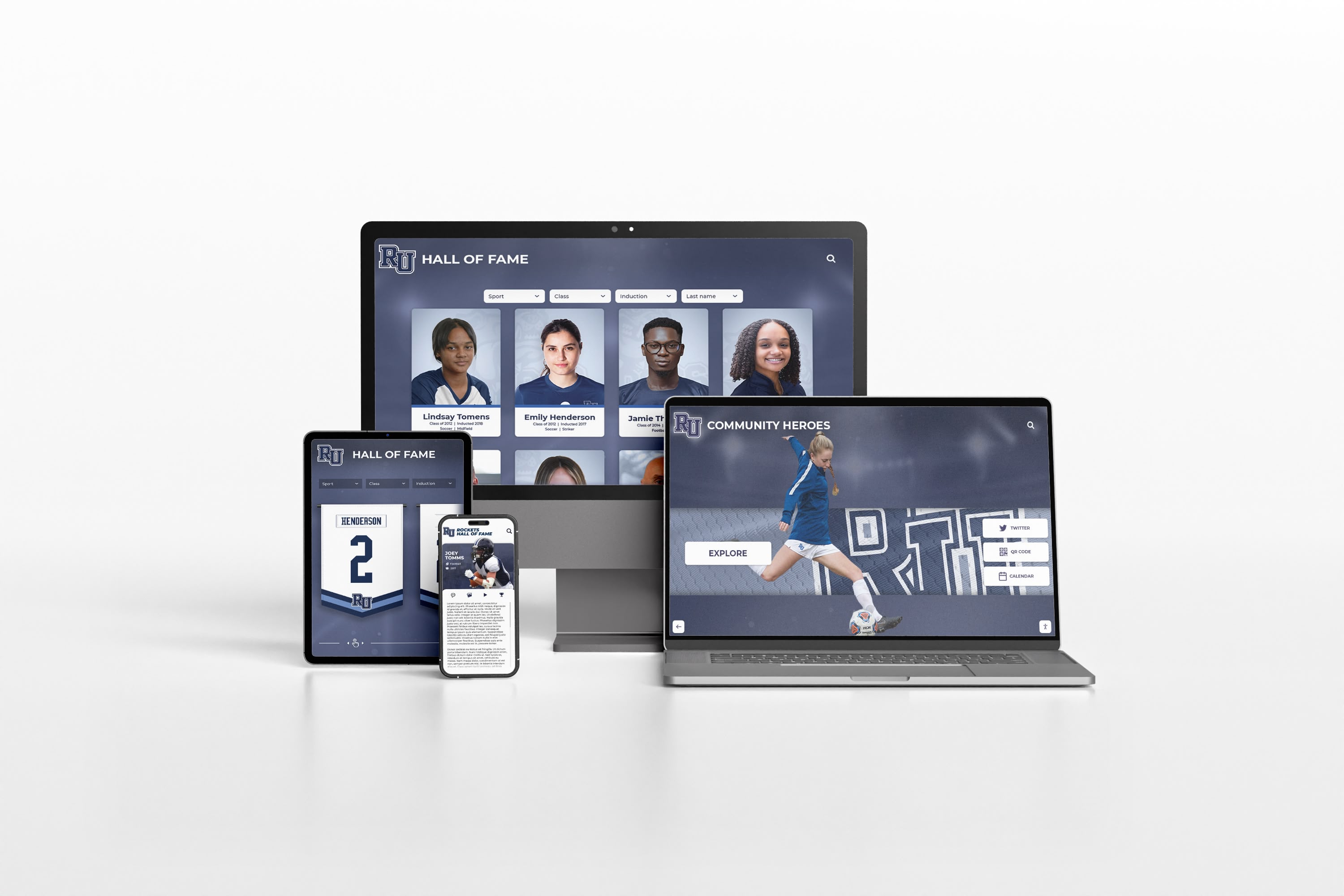
Cloud-managed recognition platforms extend beyond the physical display — families and alumni access the same content from any device, anywhere.
The value of an unlimited model is not just cost predictability. It changes what administrators do with the system. When every additional inductee costs nothing, schools add everyone who deserves recognition instead of choosing who fits the budget. Comprehensive archives become possible because there is no financial barrier to completeness.
School Awards and Recognition Event Integration
Digital signage connects year-round display with peak recognition moments — award ceremonies, banquets, and induction events. Platforms with scheduled publishing allow administrators to set a specific date and time for new recognition content to go live, coordinating the screen update with the announcement rather than publishing it days later.
For school awards nights and recognition ceremonies, digital signage plays an increasingly central role. Rather than handing out printed programs that are discarded after the event, schools run recognition content on lobby displays before and after ceremonies, creating a permanent record that visitors can return to. For planning ideas and program tips, see school awards night planning and ceremony ideas at digitalawardsdisplay.com.
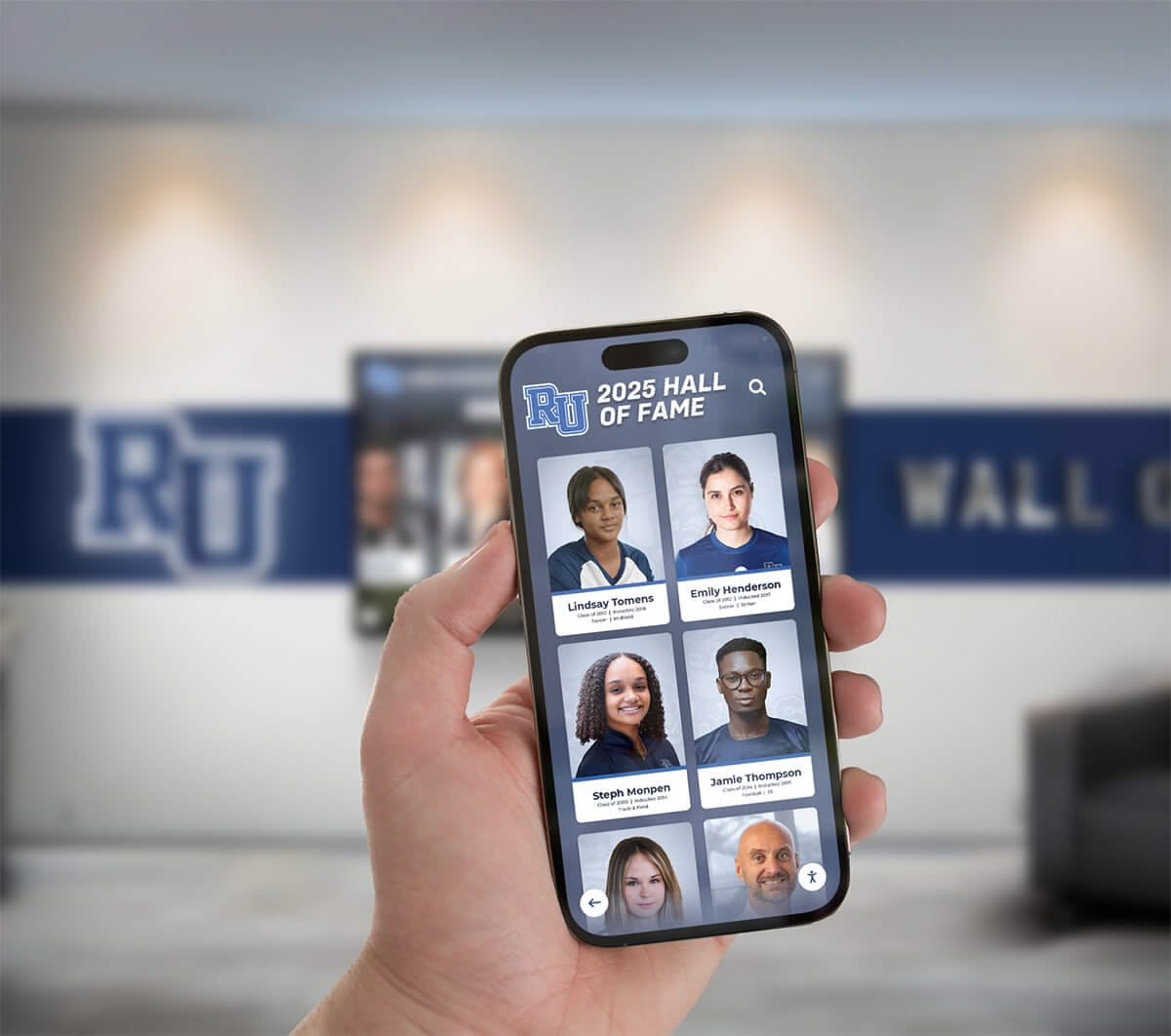
QR codes on touchscreen displays let visitors scan to access the full recognition archive on their phones — extending engagement beyond the campus visit.
QR code integration makes event-night recognition extend beyond the room. When an inductee’s profile is live on the display, families in attendance scan a QR code and share the profile directly from their phones. That share reaches family members who could not attend, alumni networks, and community members — multiplying the reach of a recognition program that previously lived only on a plaque in a school hallway.
Implementation: What Getting Started Actually Looks Like
Schools approaching their first digital signage deployment often assume the process is more complex than it is. For purpose-built recognition platforms, the typical sequence is:
- Hardware selection: Touchscreen or standard displays from 32" to 86"+, selected based on viewing distance, placement, and use case. Some vendors ship pre-configured hardware that connects without IT involvement.
- Software setup: Cloud-based platforms activate the same day hardware is ordered. Content can be loaded before the display arrives.
- Content migration: Historical data — inductee records, athletic records, achievement lists — imports from spreadsheets rather than requiring manual re-entry.
- Staff training: Platform interfaces designed for non-technical users mean athletic directors and front-office staff manage content without IT support.
- Go-live: Hardware installation typically takes under two hours. Display configuration takes under 30 minutes with remote support available.
The HDMI-CEC configuration guide for school recognition displays covers the AV setup details that make displays power on automatically and stay on the correct input — an often-skipped step that determines whether a display operates reliably or requires daily manual intervention.
Frequently Asked Questions
What is digital signage for schools and how is it different from a standard TV display?
Digital signage for schools refers to purpose-built software and hardware systems that manage content across one or more displays — covering athletics recognition, student achievement walls, campus wayfinding, cafeteria menus, and emergency notifications. Unlike a standard TV, a school digital signage platform includes cloud-based content management, multi-screen coordination, scheduling tools, and MDM device management that allow administrators to update and monitor every display from a single dashboard.
What features should schools prioritize when selecting a digital signage platform?
Prioritize cloud-based content management, MDM device management, ADA WCAG 2.1 AA compliance, scheduled publishing, and multi-screen support. For recognition-specific deployments, unlimited inductee entries and auto-ranking record boards are also critical — they determine whether the platform remains useful as the archive grows across decades.
Do schools need interactive touchscreen displays or will standard digital signage work?
It depends on the use case. Standard signage works for cafeteria menus, event schedules, and ambient hallway content. Interactive touchscreens are appropriate for halls of fame, academic recognition walls, campus wayfinding kiosks, and donor recognition walls — any case where visitors need to pull specific information rather than passively view rotating content.
What is MDM device management and why does it matter for school digital signage?
MDM allows IT administrators to remotely enroll, configure, update, and monitor display devices without on-site access. For schools with multiple displays across a campus, MDM is essential — without it, software updates and troubleshooting require a technician visit to each screen. Platforms with built-in MDM handle silent updates, health monitoring, and scheduled reboots automatically.
How much does digital signage for schools typically cost?
Cost varies by vendor and pricing model — per-screen monthly fees, per-entry charges, or flat annual subscriptions covering unlimited screens and content. When comparing, account for hardware, software, MDM, content migration, and support. Request a demo to see full pricing for your specific campus configuration.
See What a Purpose-Built School Signage Platform Includes
From touchscreen hall of fame displays to multi-screen campus communication systems, explore a platform built specifically for school environments — with MDM device management, ADA compliance, unlimited entries, and a price point that fits school budgets. Talk to the team to see the full platform.
Talk to Our TeamDigital signage for schools succeeds when the platform matches the use case, the content management is simple enough that updates actually happen, and the hardware is configured to run reliably without daily staff intervention. Whether the goal is an athletics hall of fame that greets every visitor automatically, a campus directory that reduces front-office load, or an achievement wall that makes academic success visible year-round, the technology to do it well exists — and the barrier to getting started is lower than most administrators expect.
For a comparison of leading school display platforms and what different tiers deliver, see the digital signage for schools complete guide and provider ranking at halloffamewall.com.